For creators
Build a repeatable publishing habit without reconstructing the same terminal commands for every show.
Explore scheduling →
IAmAStreamer helps creators, agencies, and technical teams organize the work around a livestream—from source media and VPS health to YouTube, Facebook, RTMP destinations, playlists, and schedules.
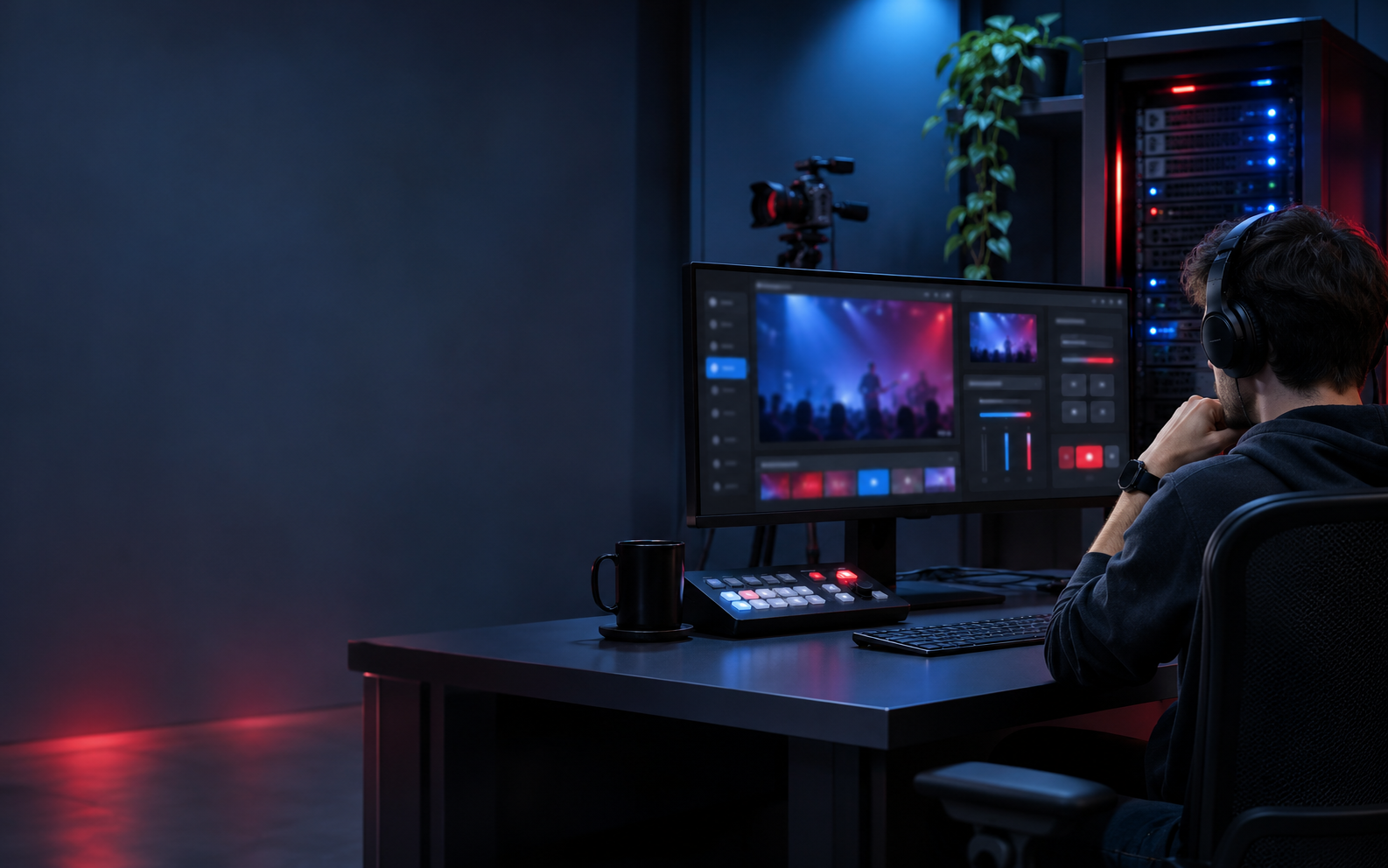
A stream can fail because a file is missing, the VPS is under pressure, the destination key is wrong, or the schedule was misunderstood. IAmAStreamer makes those surrounding decisions visible before they become a production surprise.
Build a repeatable publishing habit without reconstructing the same terminal commands for every show.
Explore scheduling →Keep your servers, media, and publishing destinations organized in your own account’s workspace.
Explore server management →Keep ownership of compute and credentials while giving operators one place to read health and publishing intent.
Read the architecture →Choose the capability that solves the decision in front of you. Each feature is designed to work with the others instead of creating another isolated tool.
Prepare YouTube Live, Facebook Live, or compatible RTMP and RTMPS endpoints without changing the core workflow.
Learn how it fits BYOS infrastructureThe enrolled agent runs FFmpeg on your VPS, reports process state, and sends heartbeat and system measurements.
Learn how it fits Media libraryUpload source videos once, keep them tenant-scoped, and connect them to playlists or future publishing windows.
Learn how it fits SchedulingRecord intended dates and timezones alongside your plan. Automatic schedule execution is not available; start broadcasts manually.
Learn how it fits Server healthHeartbeats and reported CPU, memory, and disk signals help operators make a preflight decision before going live.
Learn how it fits Protected dataDestination credentials are encrypted at rest and hidden from standard API payloads while the workspace tracks the target.
Learn how it fitsThe workspace helps you keep the four most important decisions together. That makes a show easier to review, repeat, and hand off.
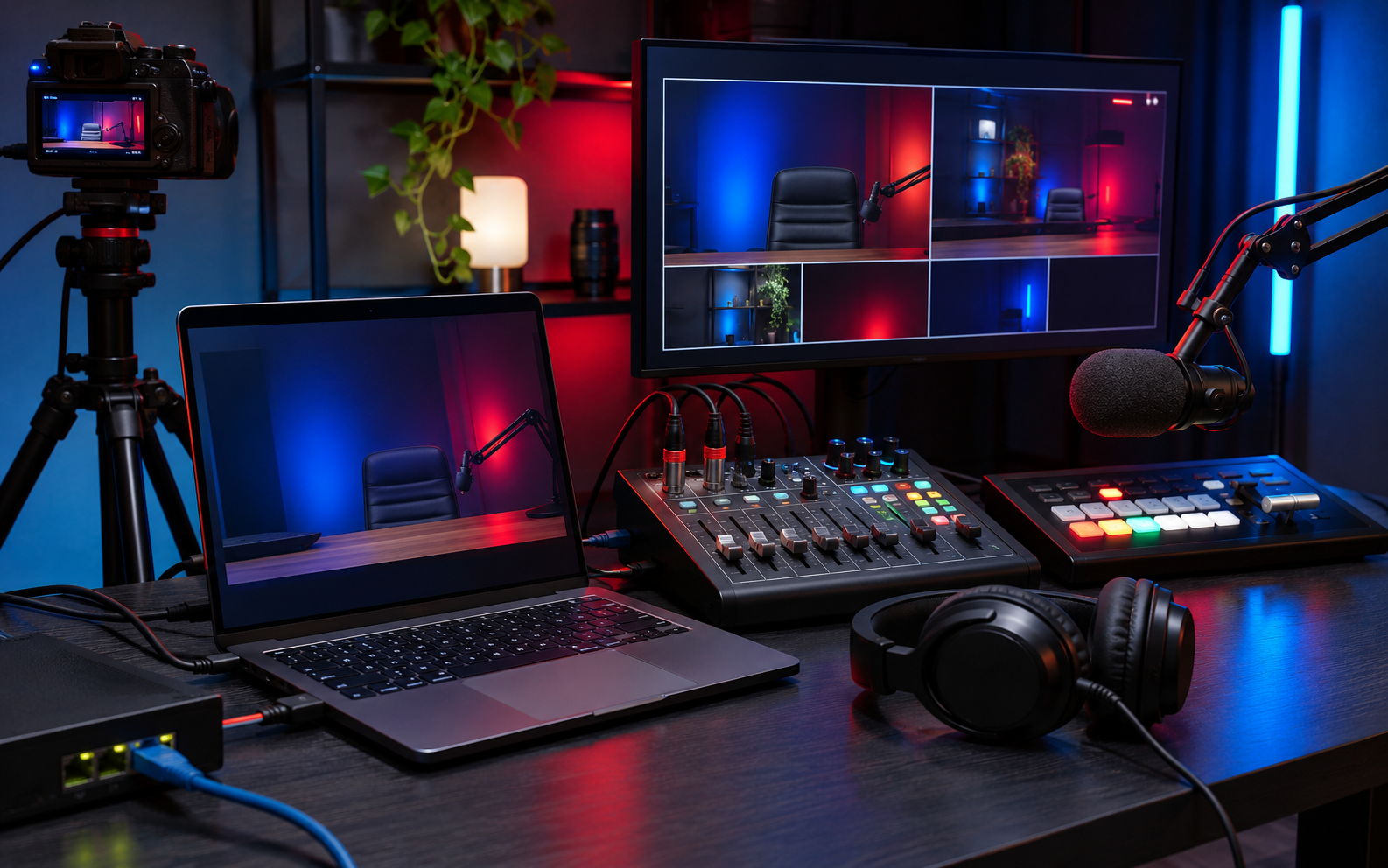
IAmAStreamer is not a replacement for your VPS, your YouTube account, or your Facebook page. It is the control plane that keeps those pieces organized.
Read the product FAQClear expectations are part of a good product. The workspace prepares records, protects destination data, stores media, reports server health, and runs an independent FFmpeg output for each selected RTMP destination.
Users can register servers, upload media, configure destinations, create streams, build playlists, and save schedules.
Agent heartbeats and reported resource metrics give the team a shared view of infrastructure state.
Multi-output FFmpeg start/stop, per-destination retry, and process progress are available for an enrolled server. OAuth, platform delivery confirmation, and automatic schedule execution are not available yet.
Yes, when you save both platform ingest credentials and your plan allows two outputs per broadcast. Each RTMP(S) destination receives its own FFmpeg process; platform confirmation is not synchronized.
On the customer VPS enrolled through the agent. The agent starts and stops real FFmpeg processes and reports their state to the workspace.
Yes. The BYOS model is designed for supported Ubuntu and Debian VPS hosts with FFmpeg available.
Destination keys are encrypted at rest and hidden from normal API responses.
Read the workflow, explore the details, and create a workspace when you are ready to bring your own server into the picture.